Import orders from a CSV
This tutorial shows how to import a CSV file of orders into OrderWand.
1. Create an OrderWand CSV
Create or select an existing CSV in OrderWand CSV format.
2. Click the OrderWand icon
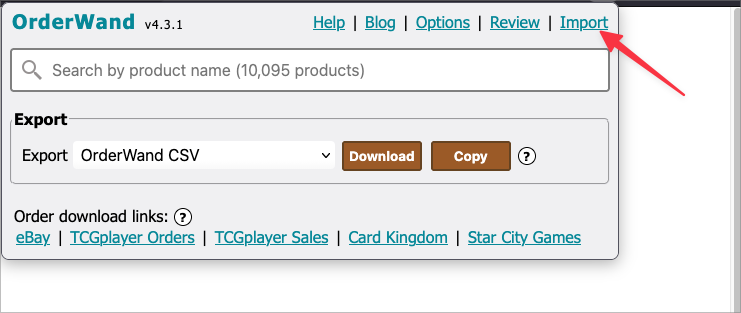
3. Click “Import”
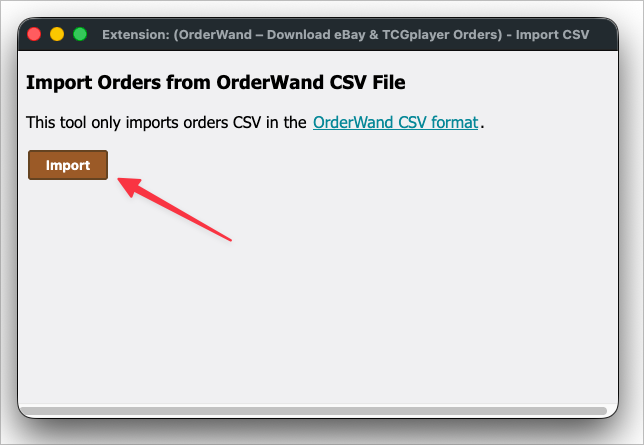
3. In the CSV import window click “Import”
4. Choose a file to upload
Make sure it’s the CSV that you chose above
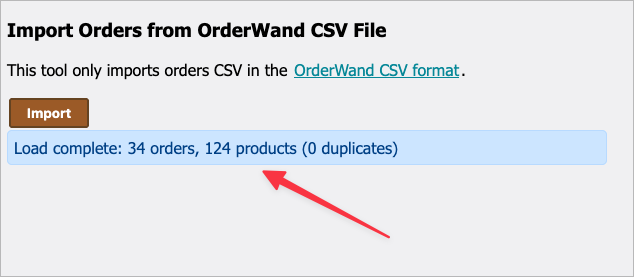
5. Review import results
The import results should tell you that files were imported. If there are errors then these will show up here as well.